
Learner records, marking and QCTO reporting in one system
Nexus Learn is the learner management and learning platform from Level Nexus, built for QCTO-registered skills development providers.
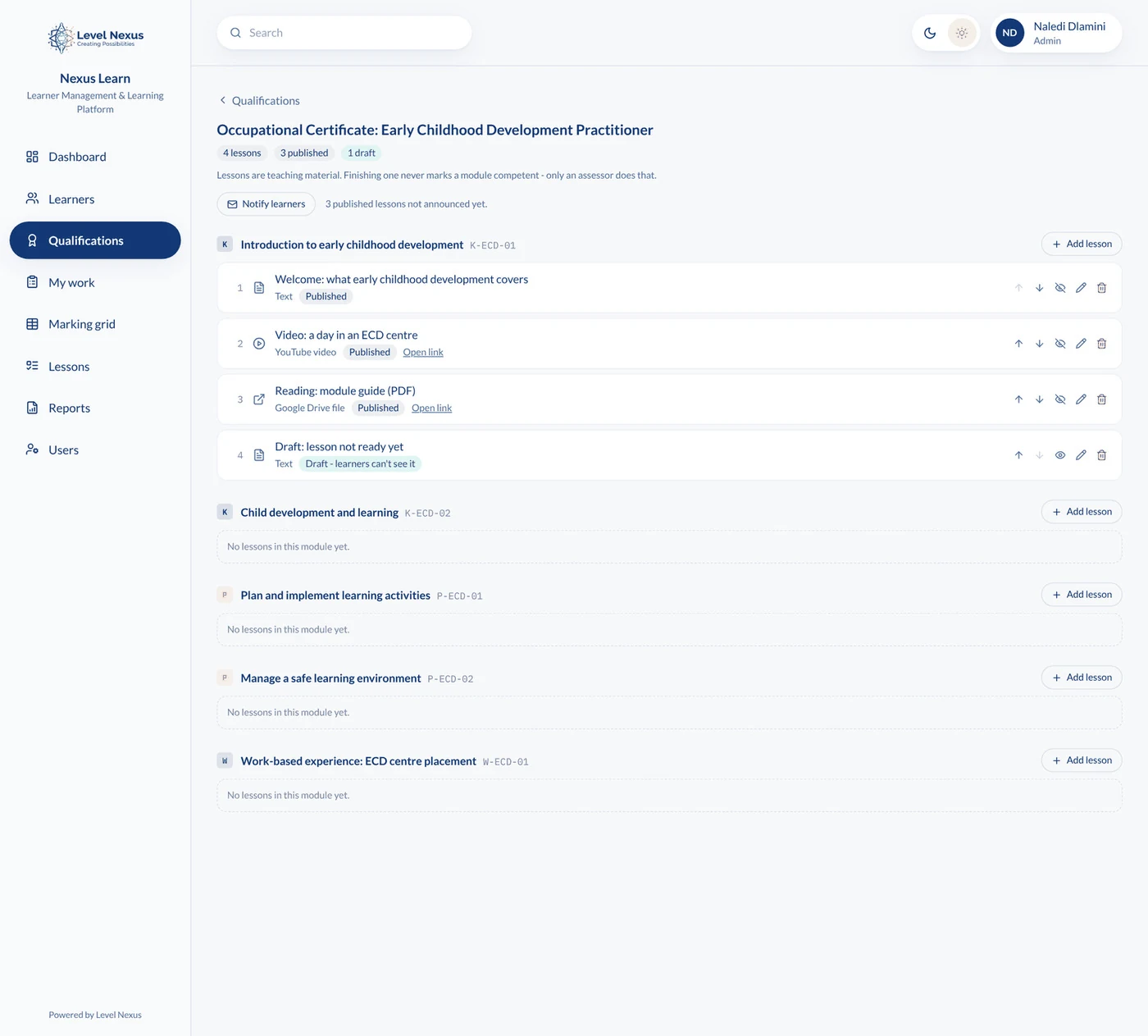
Every screen is in the user manual
The Nexus Learn user manual runs to 80 pages and goes through the system screen by screen for administrators, facilitator/assessors, moderators and learners.
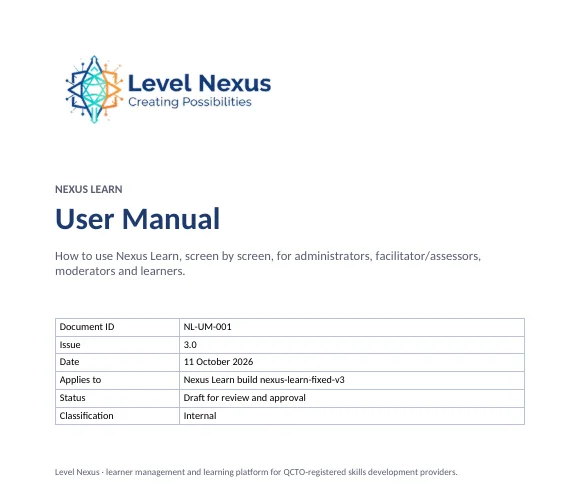
Nexus Learn User Manual
NL-UM-001, issue 3.0, 11 October 2026. PDF, 80 pages.
Each role gets its own view
Administrators, assessors, moderators and learners see the screens they need, and nothing else. Screens below use demonstration data.
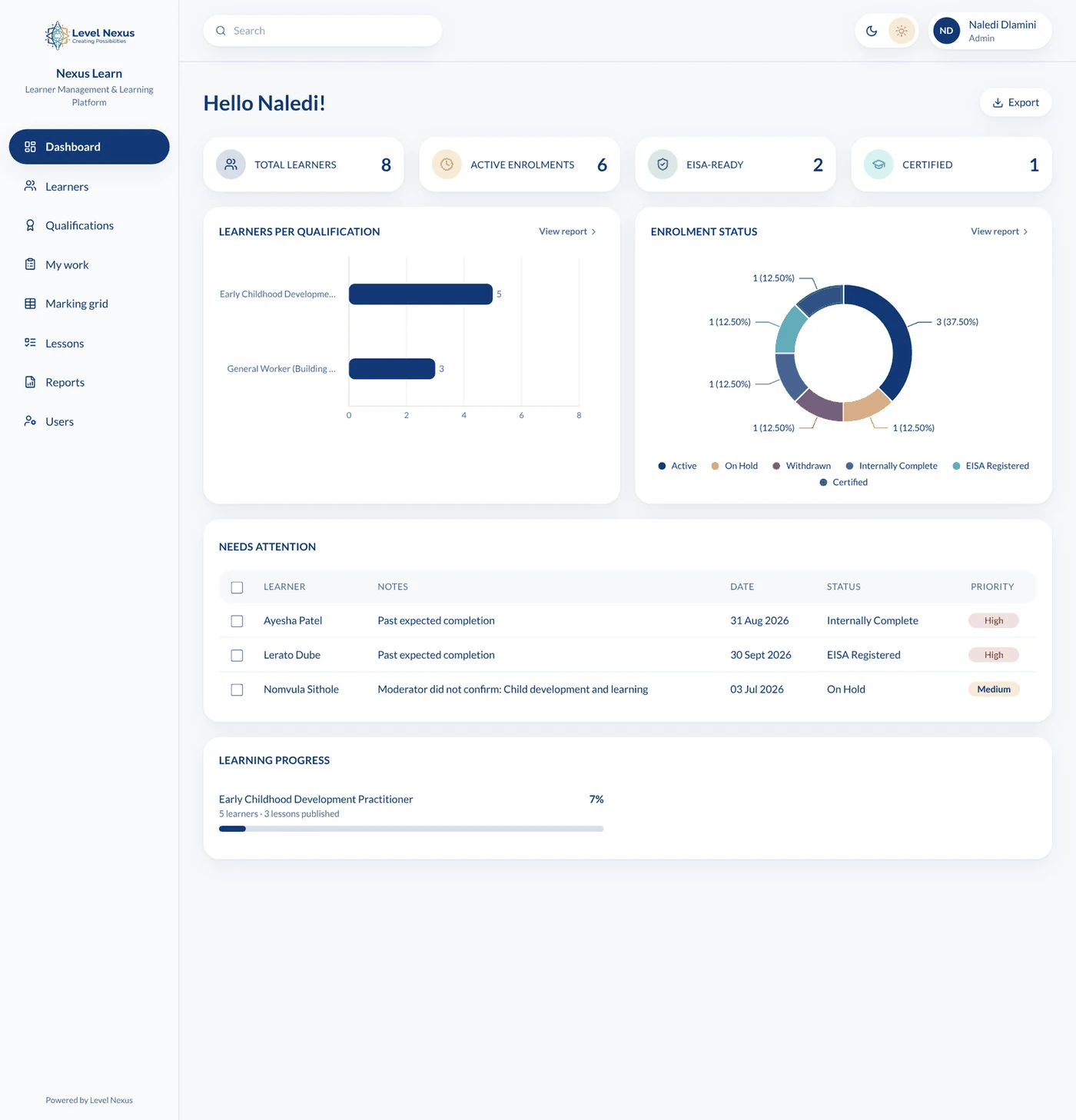
Run the whole provider from one dashboard
Administrators see everything, including users and settings. The dashboard flags what needs attention: overdue enrolments, modules a moderator has not confirmed, and accreditation dates running out.
- Add qualifications with exact module codes, credits and NQF levels, and enrol learners one at a time or by CSV import
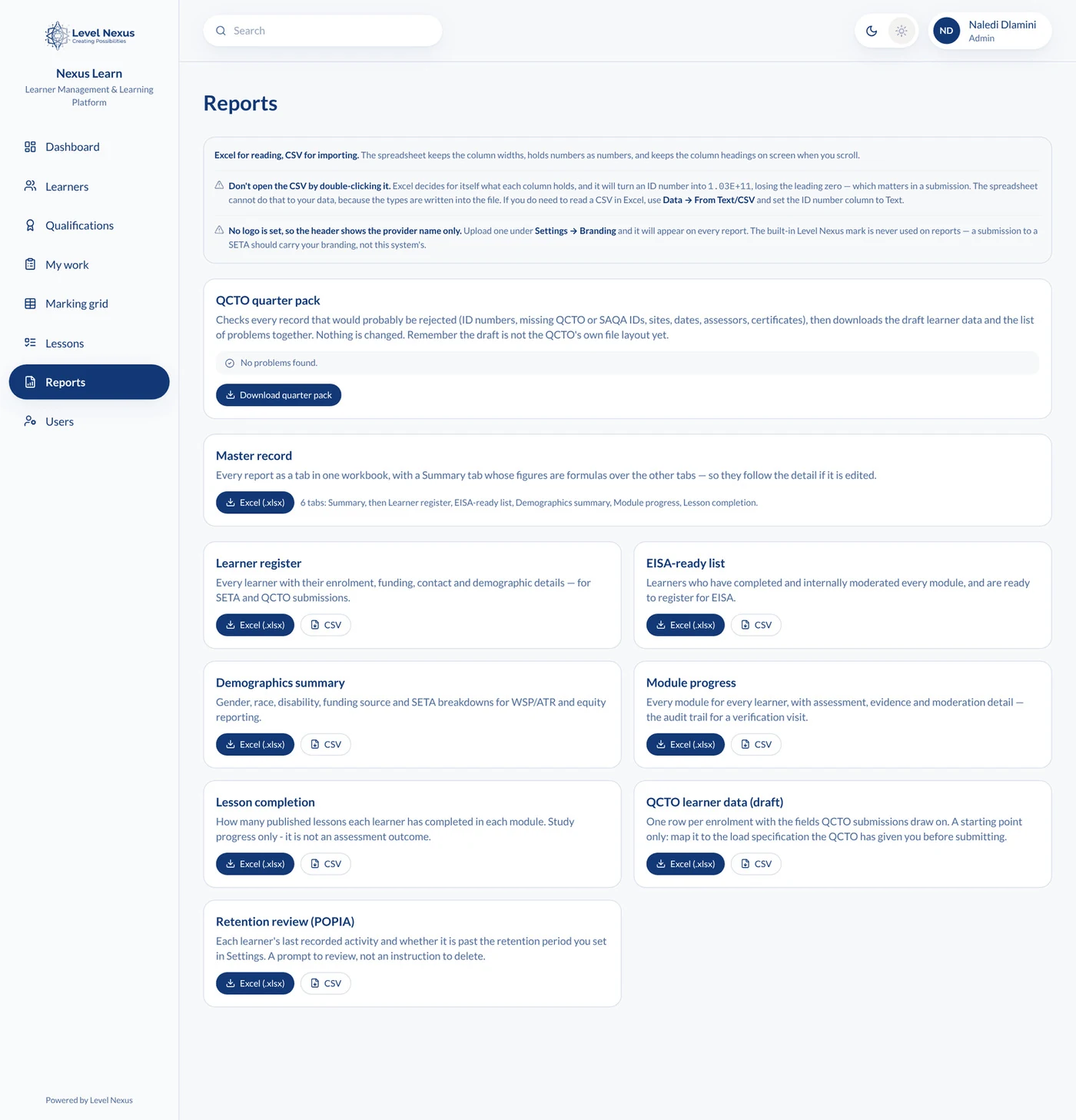
- Run the QCTO quarter pack and other reports, exported as CSV or Excel
- Back up on demand and keep staff logins to the least role that does the job
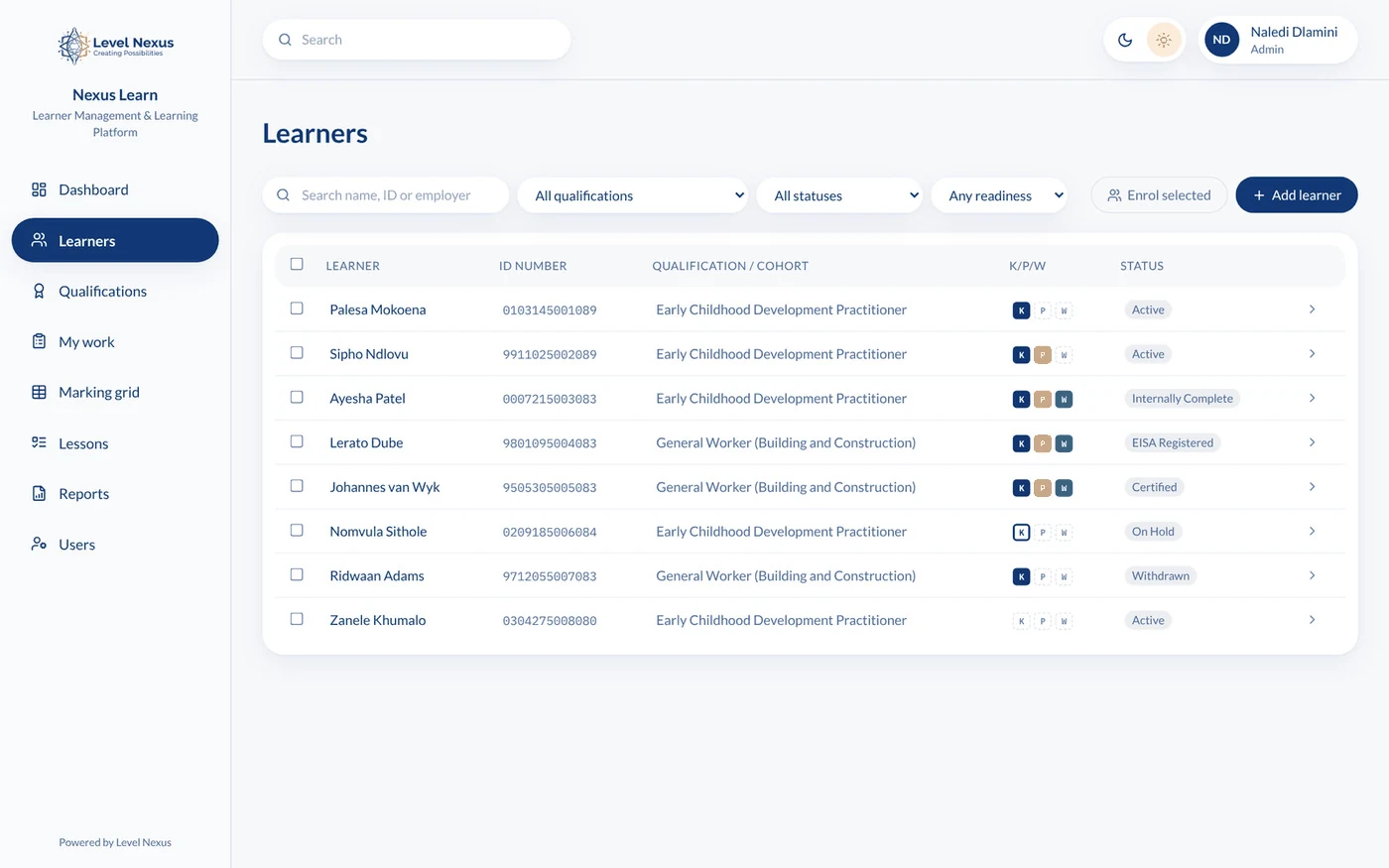
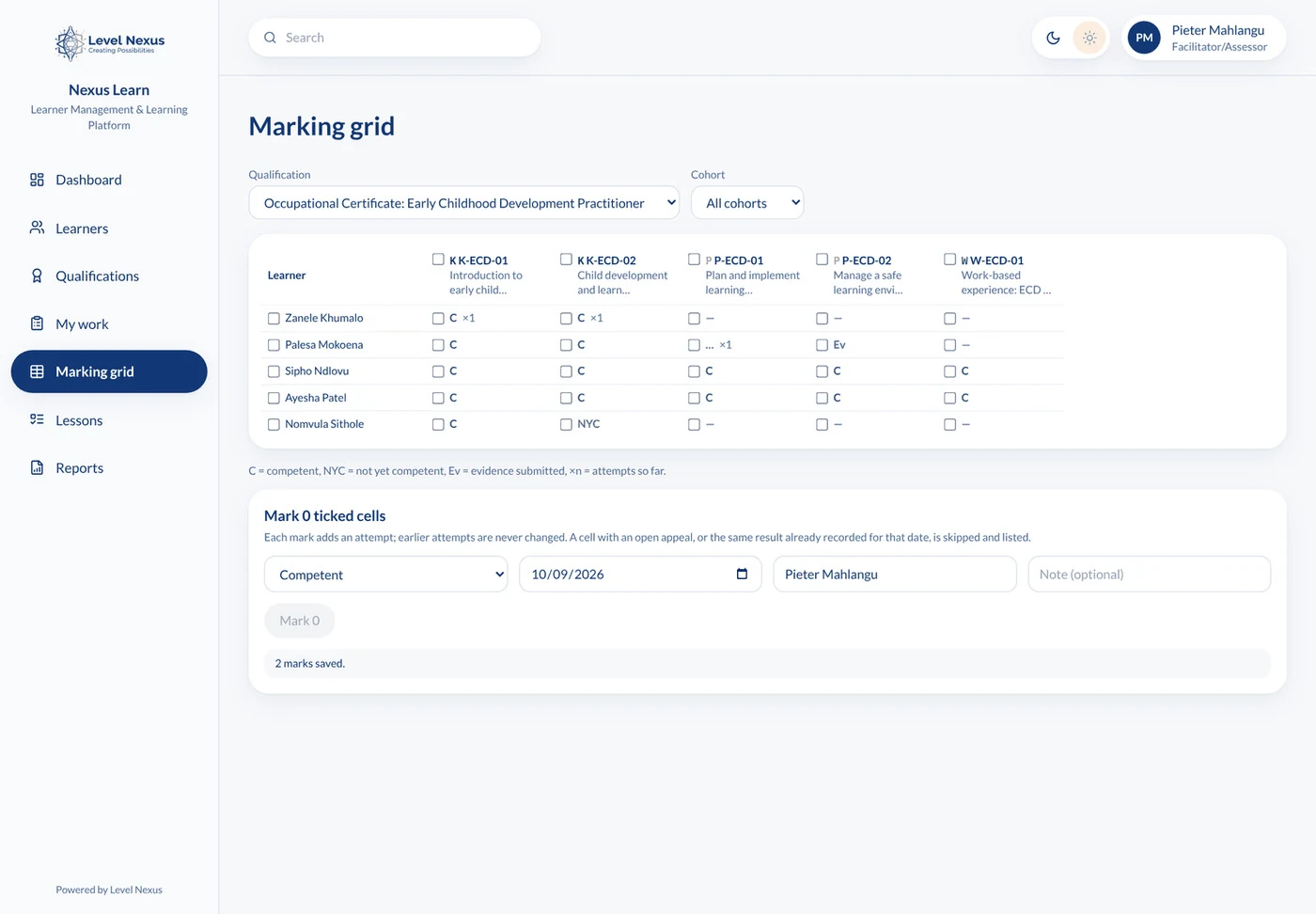
Mark a whole cohort on one grid
Assessors work from a queue of modules awaiting assessment, oldest first, and record each attempt with its date, outcome and note.
- Tick cells on the marking grid and record a result for the whole group; skipped cells are listed afterwards
- Every attempt is kept: earlier attempts are never changed
- Log appeals, with the date and outcome, against the module they concern
Confirm second-person moderation
Moderators see a queue of modules awaiting moderation. They can read the assessor's notes and every attempt, then confirm the module or send it back for review.
- The system will not let anyone confirm their own assessment
- Anything not confirmed stays on the dashboard's needs-attention list until it is reviewed again
- A learner counts as ready for EISA only when every module is assessed competent and internally moderated
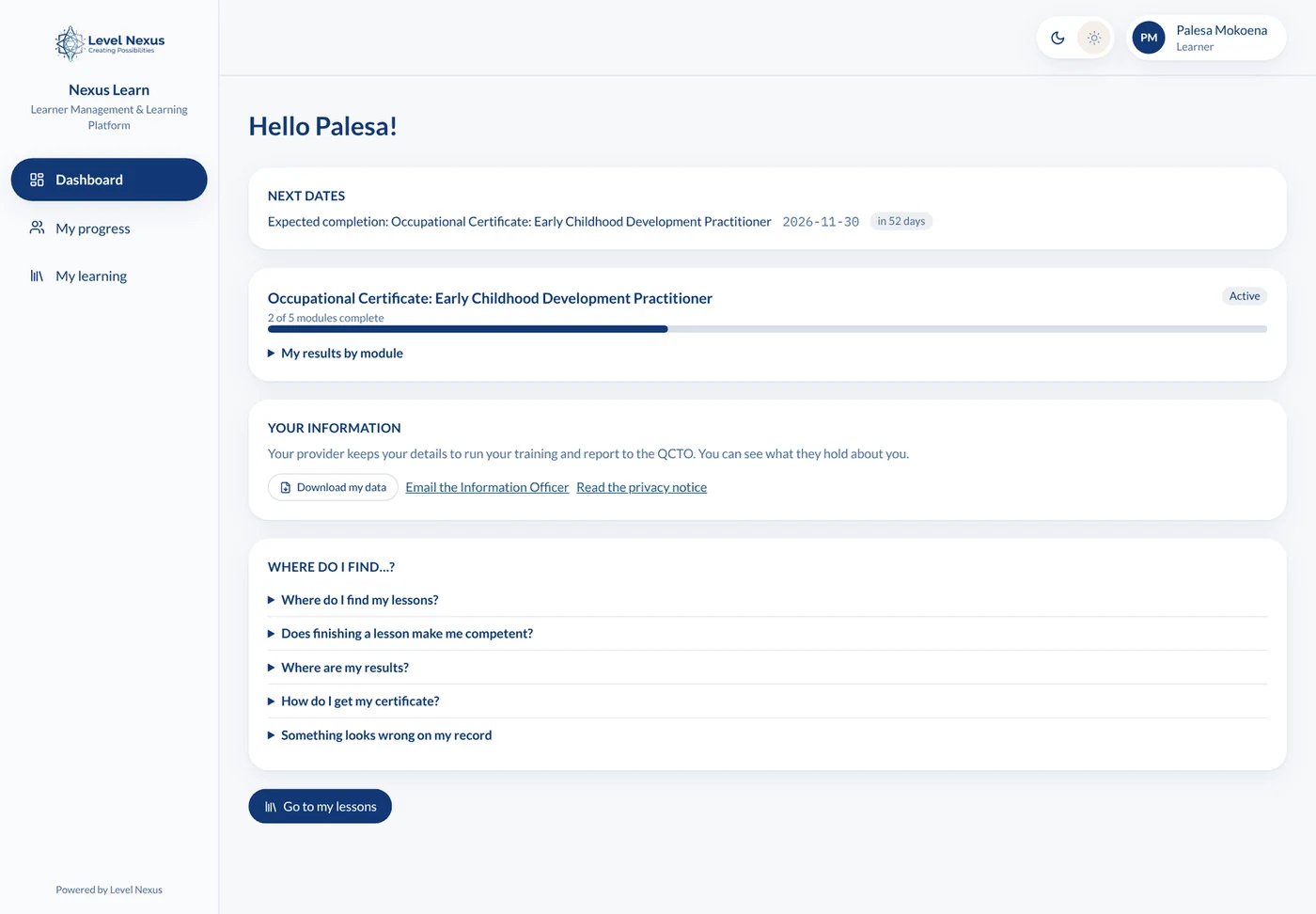
A focused home for each learner
Learners see their own results by module, their key dates and their lessons, and nothing that belongs to anyone else.
- Study lessons, including documents, video and Google Drive links, and tick them off as a personal record
- See every attempt on every module, and download their own data
- Print the provider's certificate of completion once it is issued
Ready for a verification visit
A QCTO or SETA verification visit asks a provider to show its records. Nexus Learn helps you produce them from live data instead of from memory.
Nexus Learn supports an accreditation file; it does not grant accreditation or replace evidence you keep elsewhere, such as signed agreements and learner portfolios. This list is a starting point, not the QCTO's own checklist, so check it against the letter announcing each visit.
| A verifier typically asks | Where it lives |
|---|---|
| Who is on your programmes | Learner register report |
| What each learner was assessed on, when and by whom | Module progress report |
| That a second person moderated | Moderator and date on every module |
| Appeals and their outcomes | Appeal status and notes on each module |
| Learners ready for EISA | EISA-ready list |
| That records are traceable | Activity log of who changed which record |
Built to protect learner information
Learner records hold identity numbers, disability status and demographic categories. That is special personal information under POPIA, so the protections are built in.
Rules enforced on the server
Access is controlled by database security rules, not just hidden in the screens. The release notes record 258 of 258 security-rule tests passing on 14 October 2026.
Assessor notes stay with staff
Evidence notes and appeal notes are held separately, so a learner who opens their own record cannot read them.
POPIA tools
A consent tick and date on the learner form, a one-click data download, anonymise, a retention review report and Information Officer settings.
Automatic sign-out
Idle sessions are signed out after 20 minutes, with a warning first, and weak passwords are refused.
Backups
Automatic daily backup snapshots, a one-click backup you can download, and a banner that warns when a backup is overdue.
Where your data sits
The database region is chosen when your installation is set up. We recommend Johannesburg for South African providers.
Questions providers ask
No. Accreditation is granted to your organisation by the QCTO or the relevant SETA. Nexus Learn keeps the records and evidence a verification visit asks for, and helps you produce them from live data.
Nexus Learn runs on Google Firebase. The database region is chosen when your installation is set up, and we recommend Johannesburg (africa-south1) for South African providers.
Yes. Learners can be added one at a time or imported from a CSV file, and every report can be exported as CSV or Excel.
There are four roles: Administrator, Facilitator/Assessor, Moderator and Learner. Access is enforced by database security rules, not just hidden in the screens. A learner sees only their own record, and assessor notes are readable by staff only.
No. Evidence such as signed agreements and learner portfolios stays where you keep it. Each module links to the evidence, and the verification evidence pack shows what to produce from the system and what must come from elsewhere.
A web browser for every user and a Google Firebase project for the installation. It has no server of its own to maintain. Ask us about setup and ongoing costs when you book a walkthrough.
Nexus Learn was created with our technology partner FSV Tech, Doha.
See Nexus Learn with your qualifications in it
Tell us what you deliver and we will arrange a walkthrough.